
IT CorpOps recently upgraded the Service Portal to the latest version, Tokyo, which includes a newly redesigned user interface (UI). While it may look different, all functionalities still exist within the new UI. Below you will find the steps for accessing the Service Portal, navigation, favorites and history. Similar to the previous UI, these menus can also be pinned to the left side of the screen.
It’s always best to access the Service Portal from Okta.
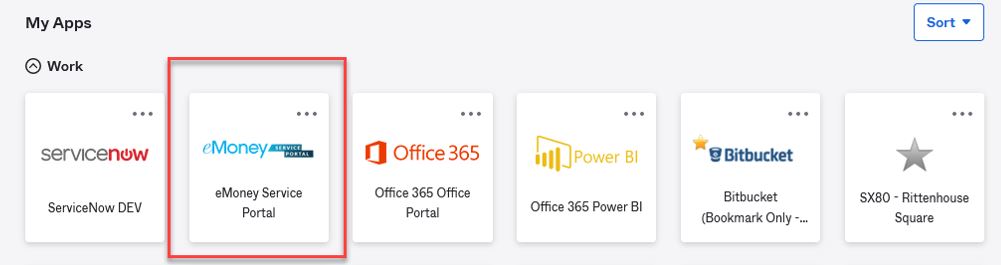
Sometimes Okta will not take you directly to the Service Portal and will instead drop you off at the technicians page.

Simply click on the following link to access the service portal: https://emoneyadvisor.service-now.com/sp.
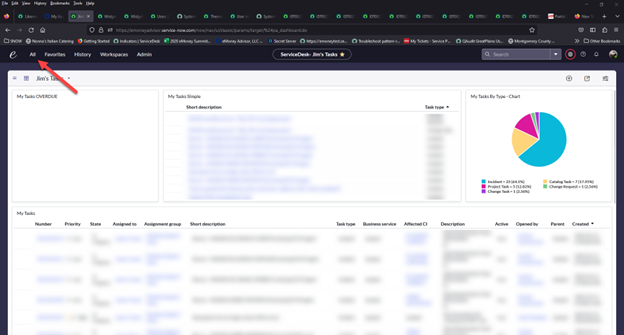
From the main screen technician view, click “All” in the upper left-hand corner of the page.
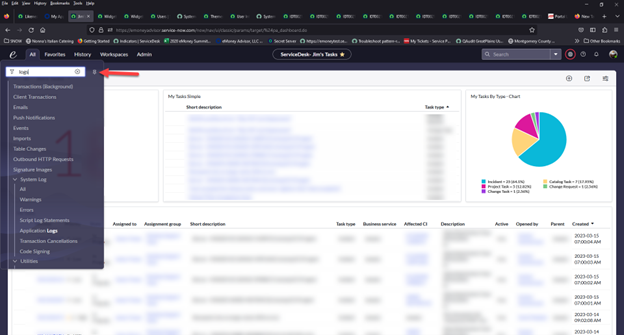
The Service Portal navigation menu will appear. To pin it to the left side of the page, simply select the pin icon.
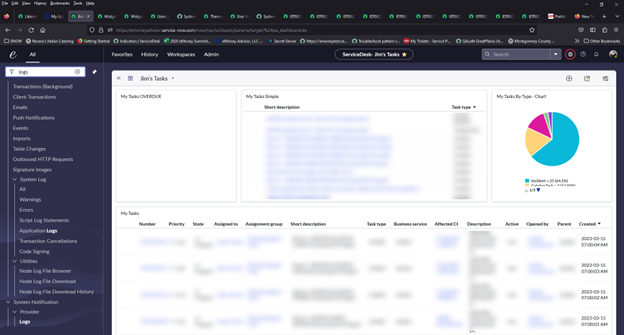
The navigation menu will now stay on the left-hand side of the screen.
Repeat these steps for ‘favorites’ and ‘history.’
If you have any questions about the new user interface, please contact CorpOps.


Leave a Reply